Download
Make a computer Kūhaku.
Free and open source, version 0.2.2. Early, used every day, still changing. You need a Claude account that includes Claude Code, for example Claude Pro or Max.
A new computer, from a USB stick
Kūhaku becomes the whole system. Everything on the computer's drive is replaced.
- 01Make a stickWrite the file to a USB stick of 8 GB or more with balenaEtcher (on Windows also Rufus, in DD mode). This erases the stick.
- 02Start from itTurn off Secure Boot in the firmware settings, then pick the stick in the boot menu: often F12, F11 or Esc while the computer starts; on an Intel Mac hold Option and choose EFI Boot.
- 03Five quiet screensLook around first if you like. Then your name and one password, how freely Claude works, your programs, the drive, and about ten minutes of copying.
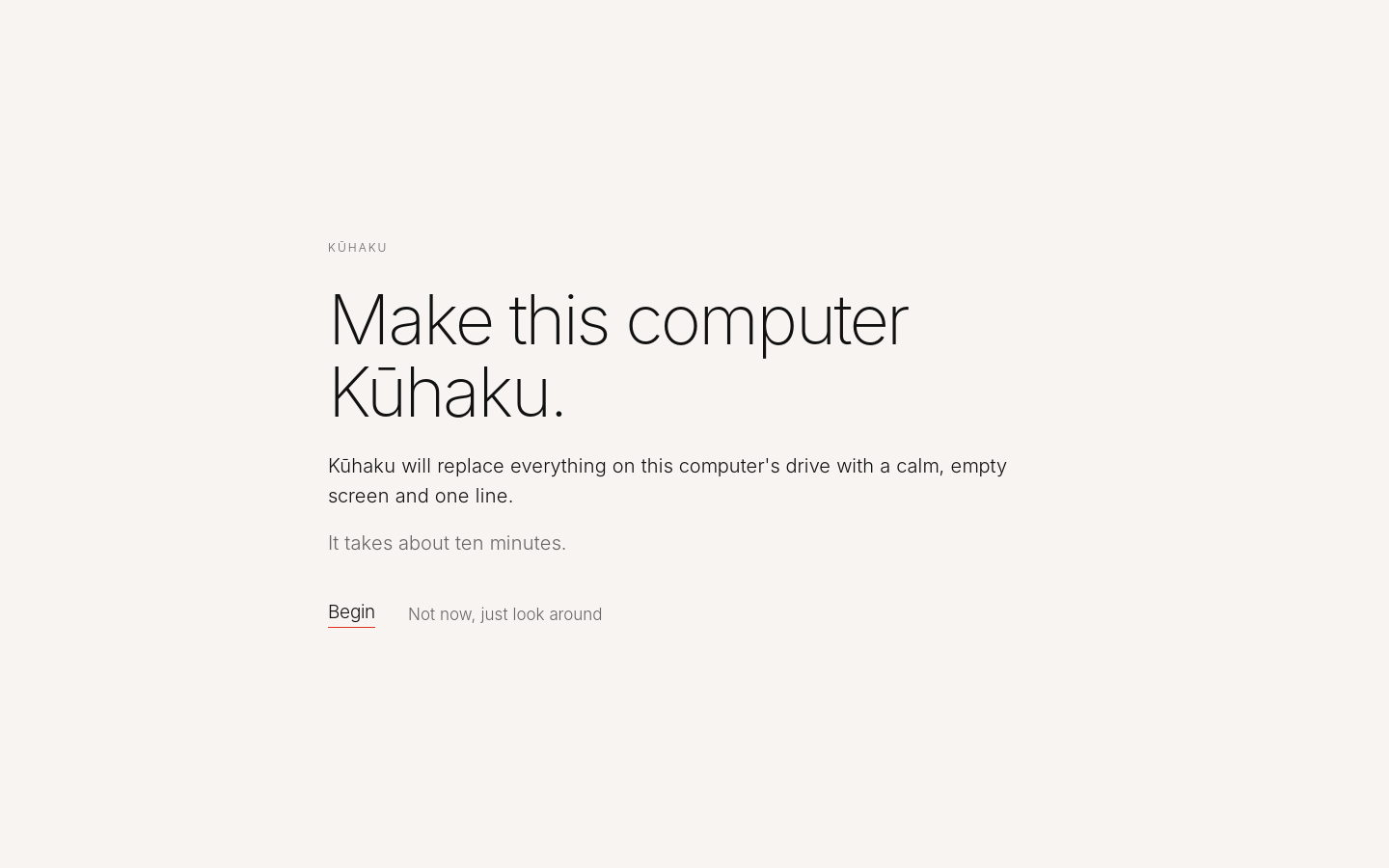
Begin, or just look around: Kūhaku runs from the stick without touching the computer.
What the installer does
- One password
- It encrypts the whole drive and unlocks it when the computer starts. It is also your account password; after unlocking, Kūhaku logs you in by itself.
- How freely Claude works
- Anything, without asking (recommended): Claude edits, runs and installs on its own, and asks before deleting or anything that cannot be undone. Careful: Claude reads and edits files but runs no commands. Settings can change it later.
- The rest by itself
- The Wi‑Fi you joined comes along, the time zone is found, and at the first start Kūhaku installs Claude Code and the Claude app from Anthropic and opens the sign-in.
Already on Debian 13 or Linux Mint 22
Add Kūhaku next to what you have, with one line in a terminal:
curl -fsSL https://www.kuhaku.space/install.sh | shThen log out and choose the Kūhaku session. Prefer to do it by hand? Download the package and run sudo apt install ./kuhaku_all.deb.
Kūhaku is an independent project, not made, endorsed or supported by Anthropic. Claude and Claude Code are trademarks of Anthropic; Kūhaku downloads them from Anthropic and does not include them. Kūhaku is based on Debian and not affiliated with the Debian project. It comes with no warranty, as its MIT license says.