Claude
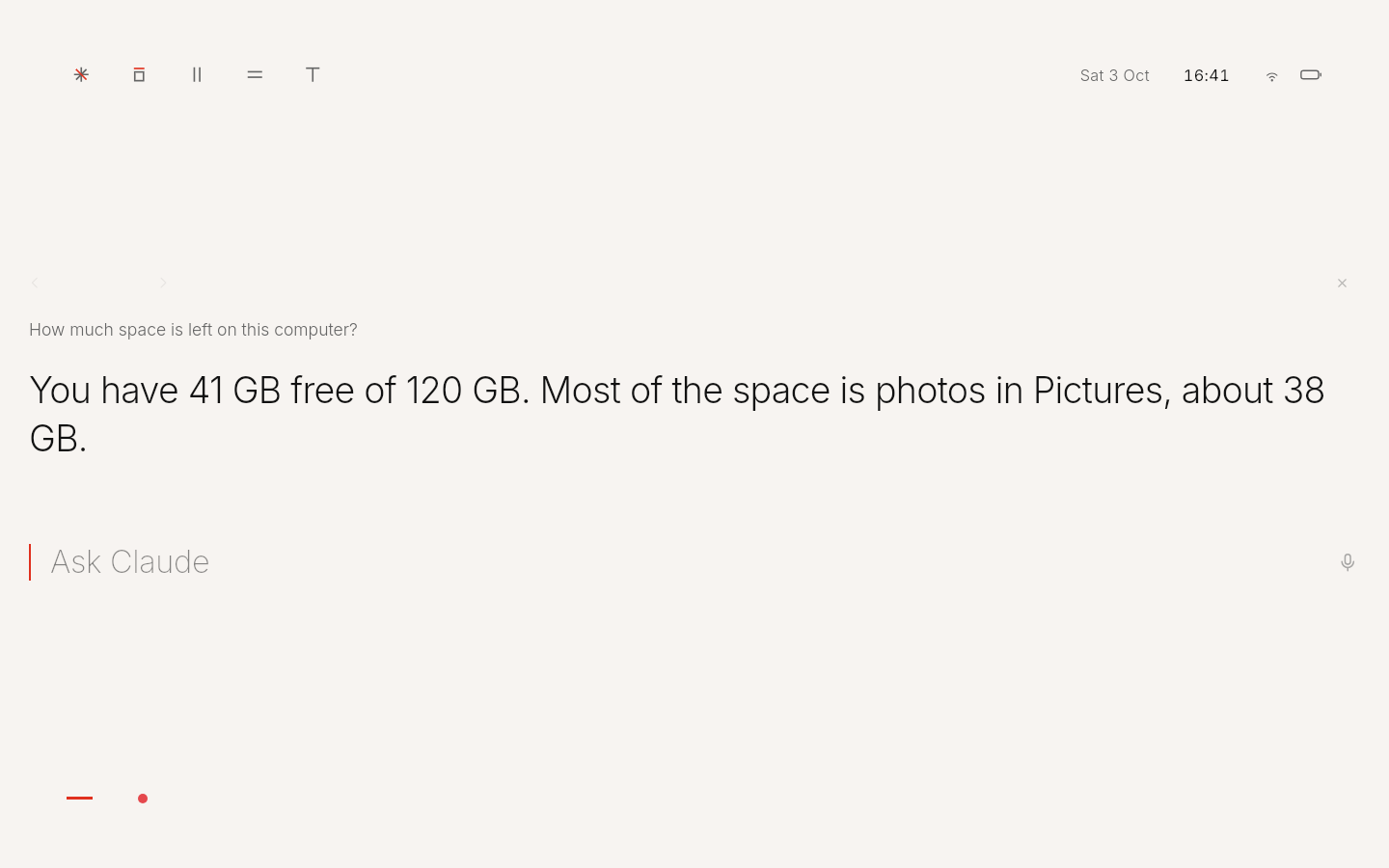
Today the AI inside Kūhaku is Claude, made by Anthropic. You ask on the home screen; the AI does the work on the computer and answers in one sentence.
What it leaves out
No app grid, no dock, no search box, no notification centre. The home screen is one line and the answer.
What it does
- It does the work.
- Claude Code runs on your own subscription and really carries out what you ask: files, settings, apps, the web. The answer comes back in large, light type.
- You can always look, and always stop.
- While the AI works, the red line breathes. Click it to see each step, or press Esc to stop.
- Every answer stays.
- Answers stay until you close them. Click the line beside the prompt to step back through earlier ones.
Ask
Make the screen a little warmer tonight
Done. The screen is warmer now and returns to normal at 7 in the morning.
How much space is left?
You have 180 GB free. Most of the rest is the Claude app and your photos.
Keys
- Enter
- ask
- Shift+Enter
- new line
- Esc
- stop Claude
- Ctrl+Space
- talk, in the Claude app
Status
Works today with Claude, on your own subscription. Kūhaku is built so the AI can be changed; other AIs are in progress. Claude and the Claude app belong to Anthropic.
Try it
Make your computer Kūhaku.
Free and open source. A USB stick and about ten minutes, or one line on Debian and Linux Mint.
Download KūhakuVersion 0.2.2 · 1.5 GB · 64-bit PCs