Tsukuru 作る · to make
Tsukuru is a code editor with Claude Code one key away and a terminal below.
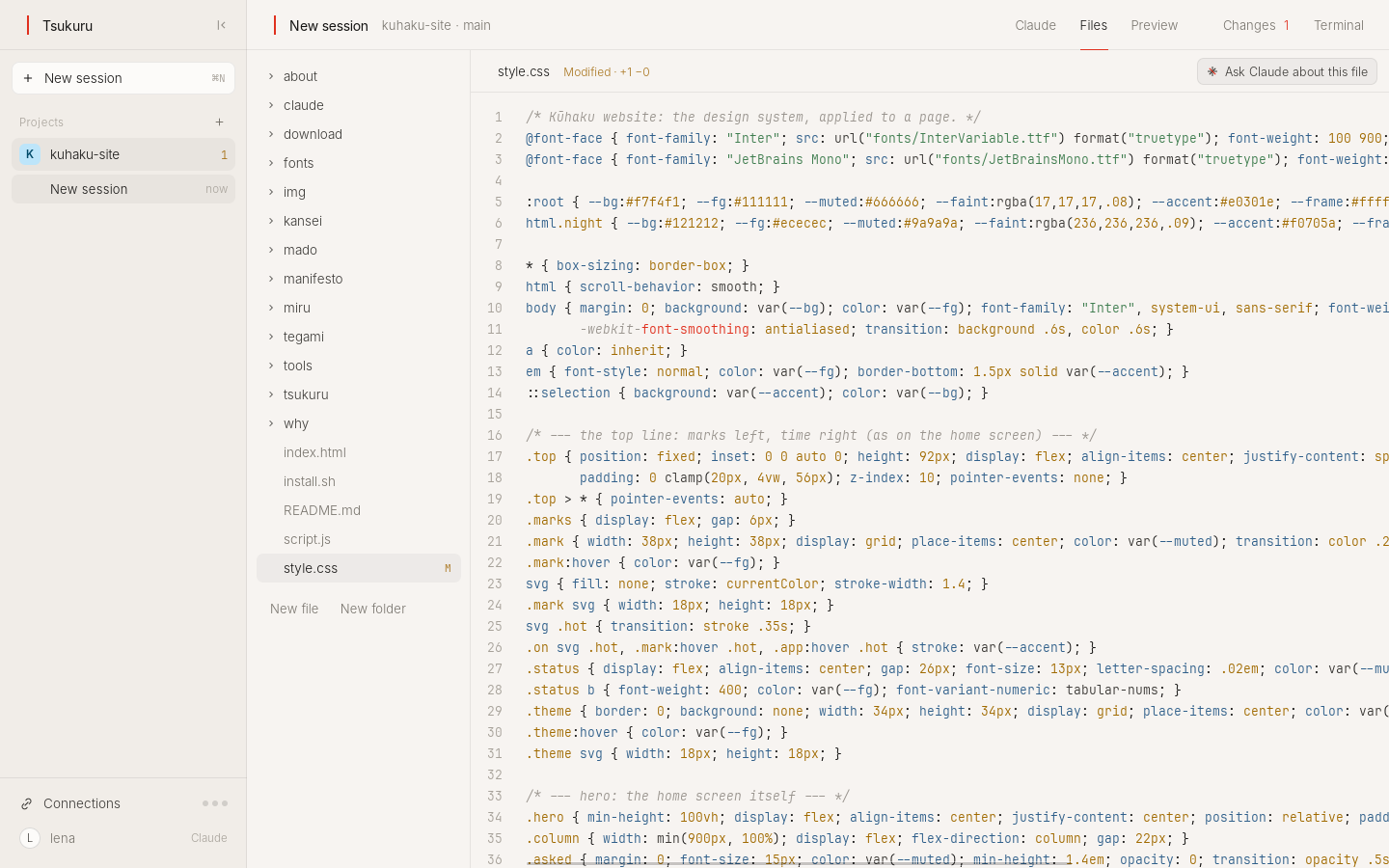
What it leaves out
No plugin store, no side panels of icons, no minimap, no toolbars. Your files, your code, and a terminal.
What it does
- Claude in the same folder.
- One key opens Claude Code in the project. When Claude changes a file, the editor shows it at once.
- Git, without the ceremony.
- Sign in to GitHub or GitLab once. See what changed, commit, push, open a pull request, clone a repository.
- Ship it.
- Connect Railway and deploy the project, read its logs or give it a domain from the same panel.
Ask
Open my project and start the website
Tsukuru is open on your site, and the preview is in Mado.
Keys
- Cmd+S
- save
- Cmd+P
- find a file
- Cmd+Shift+L
- Claude
- Cmd+Shift+G
- Git and Railway
- Cmd+`
- terminal
Status
Works today.
Try it
Make your computer Kūhaku.
Free and open source. A USB stick and about ten minutes, or one line on Debian and Linux Mint.
Download KūhakuVersion 0.2.2 · 1.5 GB · 64-bit PCs