Claude
The AI that runs the computer today, on your own subscription. Kūhaku is built so the AI can be changed.
Kūhaku · a new operating system
Say what you want. Your computer does it, and the screen stays empty. No desktop, no dock, no icons. Just one line.
Morning. One line, and nothing else.
Which mails need me today?
Three. I drafted replies to two of them. Nothing is sent until you say so.
Make the screen warmer tonight
Done. It returns to normal at 7.
You didn't ask.
Your flight to Lisbon is tomorrow, so the battery fills to 100% tonight. The rest of the time it rests at 80%, and lasts years longer.
Real commands on your computer. You can always look at each step, and always stop.
Every app is a few thin lines. One line turns red while the app is open. That is the whole visual language.
The AI that runs the computer today, on your own subscription. Kūhaku is built so the AI can be changed.
A browser with only an address, on Chromium. Tabs appear when you have two. Ads stay out.
Mail that shows only what needs you today. Claude reads, ranks and drafts replies in your voice. Works offline.
Make software with Claude Code in the middle of the window, your files, a live preview and Git beside it, and a terminal below.
Your files as a calm list. Pictures, PDFs, video, sound and code open in place. Right-click to rename, move, duplicate or mark up.
Lives under the Terminal. Everything the machine does, live: gauges, graphs, every program and what it costs, the network, a security check.
The empty part of a page, left open on purpose so the rest can breathe. Windows were the right answer in 1973. Kūhaku asks what the right answer is now.
Put Kūhaku on a USB stick, start the computer from it, and answer five questions. Kūhaku does the rest: it encrypts the drive, copies itself, and starts with one line.
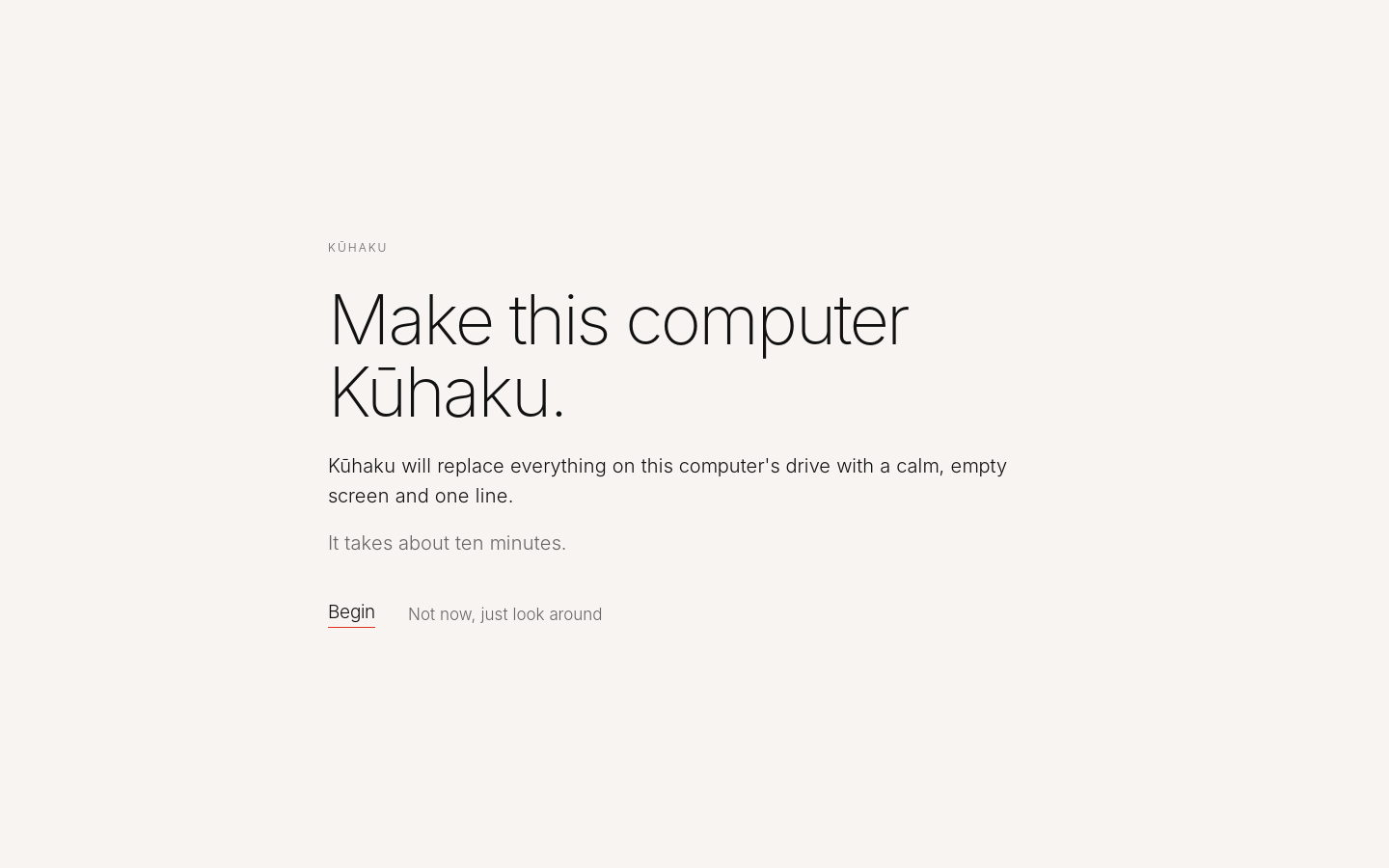
Begin, or just look around: Kūhaku runs from the stick without touching the computer.
Add Kūhaku next to what you have, with one line in a terminal. Then log out and choose the Kūhaku session.
curl -fsSL https://www.kuhaku.space/install.sh | shEverything about installing · All files and checksums · Source code
Make your computer Kūhaku.
Free and open source, on Debian. A USB stick and about ten minutes, or one line on Debian or Linux Mint. Runs even on a 2015 laptop. Claude today, other AIs too.