Mado 窓 · window
Mado is a browser with only an address.
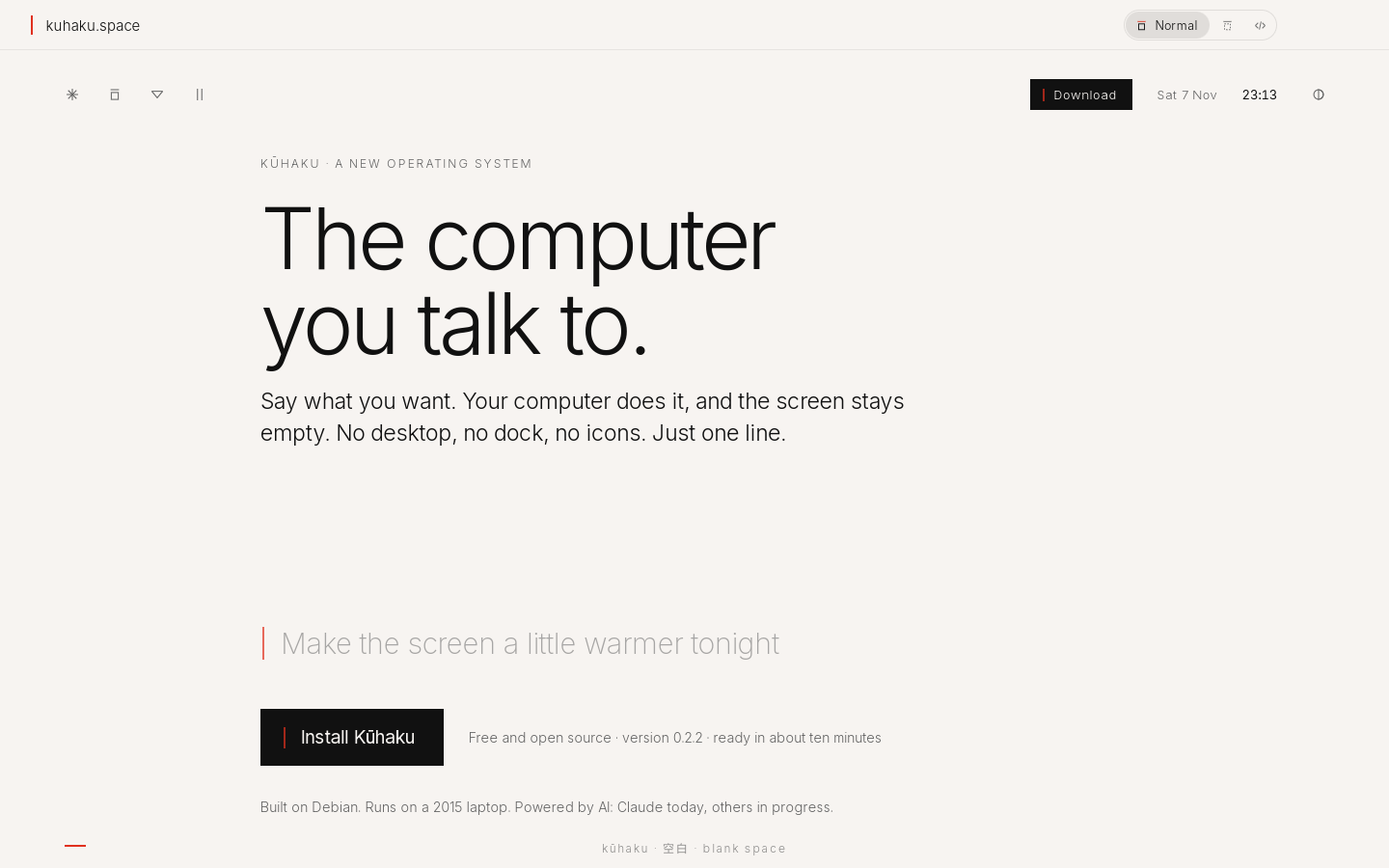
What it leaves out
No tab bar until you have two tabs. No toolbar: back and forward appear when you point at the line. No bookmarks bar. Ads and trackers from other sites stay out.
What it does
- Only the page.
- One thin line on top holds the address. Type a word or an address; words search the web.
- Quiet by default.
- Requests to known ad and tracking servers are blocked before they load.
- Home devices too.
- A camera or router with its own certificate gets a calm page: trust it once and continue.
Ask
Book a table for two near the river, 8 pm
I found three quiet places with a table at 8. The first one is open in Mado.
Keys
- Cmd+L
- address
- Cmd+T
- new tab
- Cmd+W
- close tab
- Cmd+F
- find
- Alt+Left / Right
- back, forward
Status
Works today. No bookmarks or history page yet.
Try it
Make your computer Kūhaku.
Free and open source. A USB stick and about ten minutes, or one line on Debian and Linux Mint.
Download KūhakuVersion 0.2.2 · 1.5 GB · 64-bit PCs