Miru 見る · to look
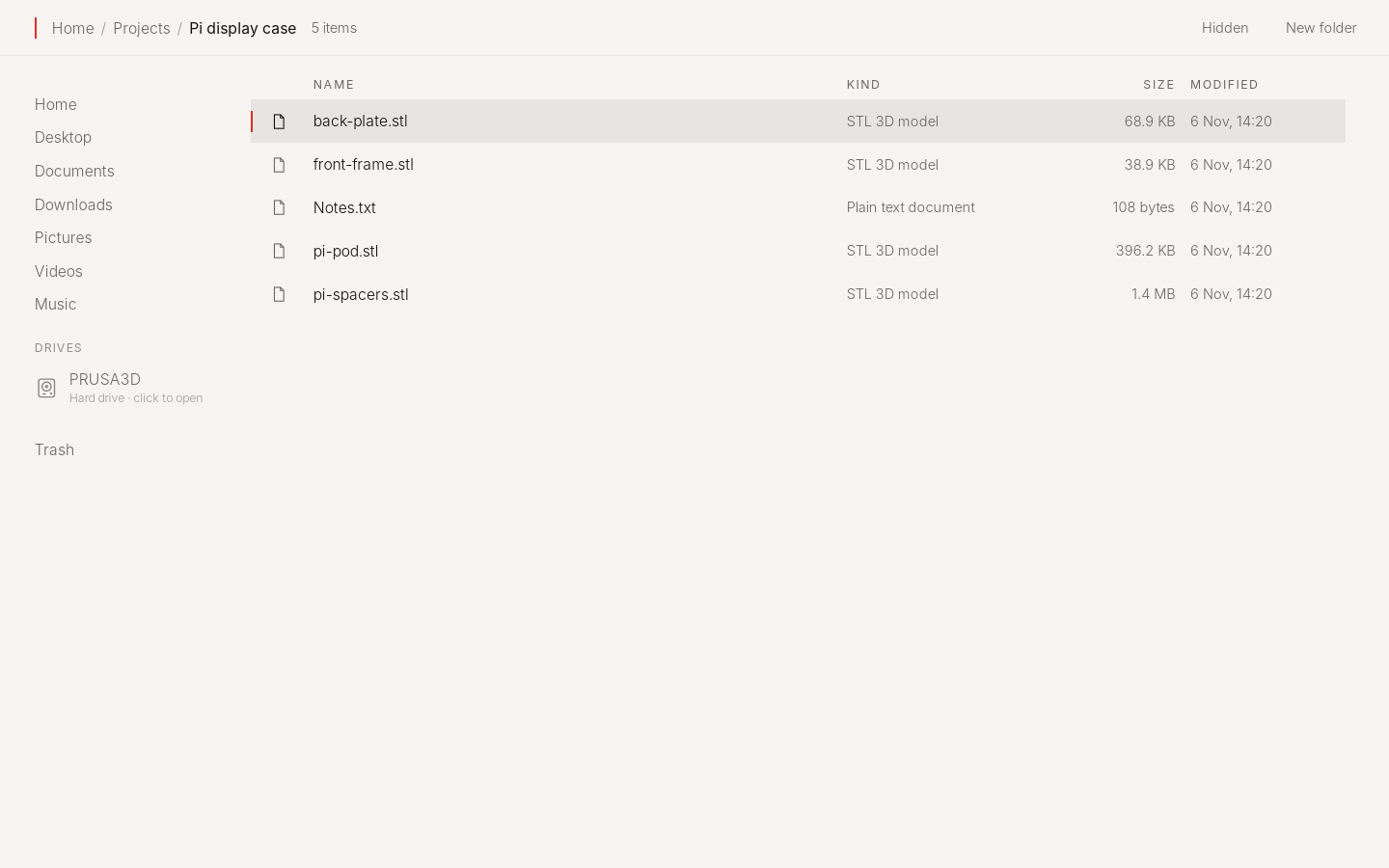
Miru shows your files as a calm list.
What it leaves out
No toolbar, no folder tree, no grid of icons, no separate preview app. Files open in place.
What it does
- A list, not a desk.
- Places on the left, the folder as a list, a red mark on what you chose.
- Everything opens in place.
- Pictures, PDFs, video, sound and code open right there. Arrow keys step through a folder.
- Sticks and drives.
- A USB stick or drive shows up as you plug it in, with how full it is. One click opens it, one ejects it.
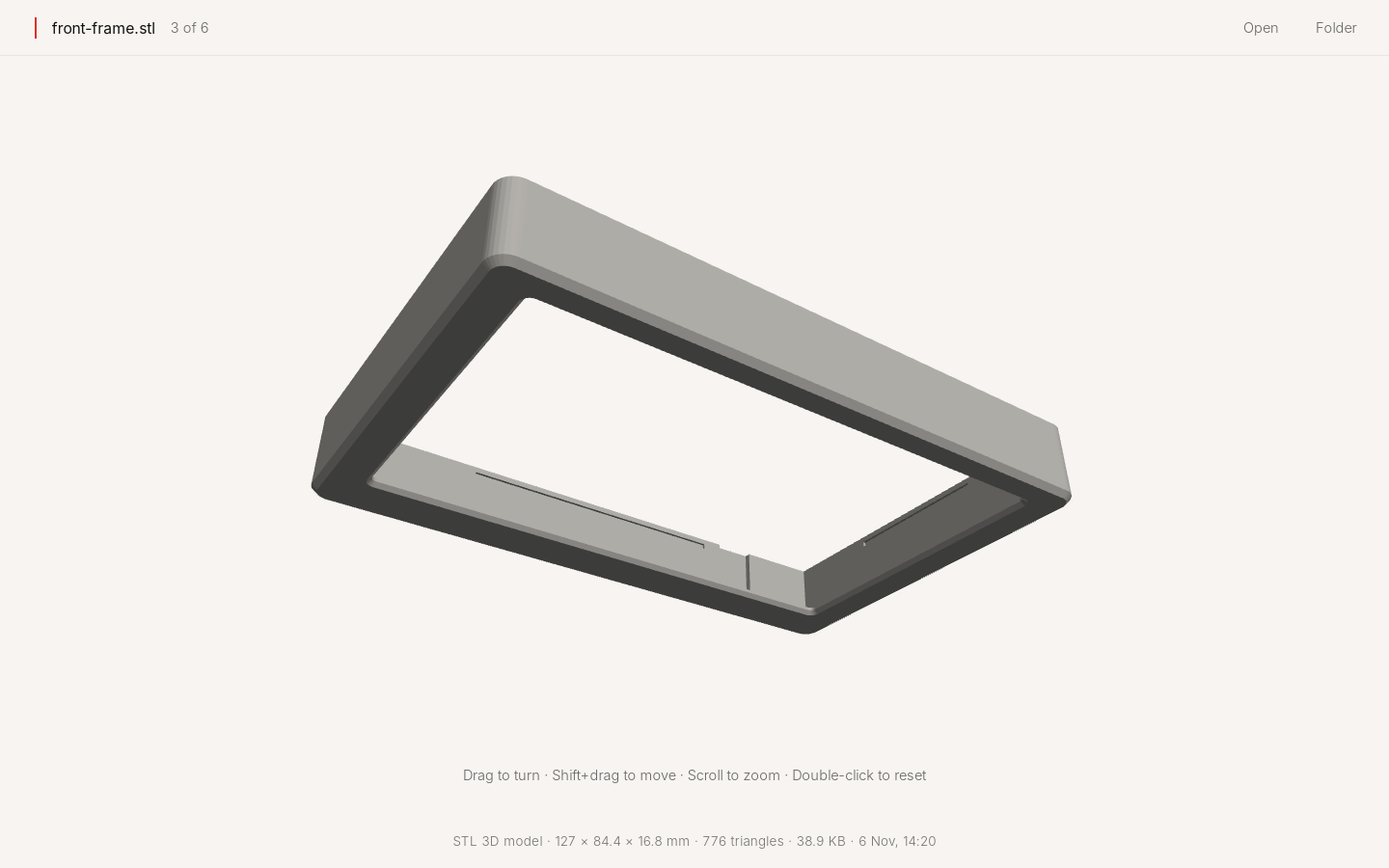
- 3D models, too.
- STL, 3MF and OBJ files turn in place, ready for the printer.
- Right-click when you need more.
- Rename, duplicate, copy, move, mark up a picture, or put it in the Trash.
Ask
Find the photos from the weekend
Twenty-three photos from Saturday and Sunday, in Pictures. They are open in Miru.
Keys
- Space
- open
- F2
- rename
- Delete
- to the Trash
- Cmd+Shift+N
- new folder
- Cmd+H
- hidden files
Status
Works today.
Try it
Make your computer Kūhaku.
Free and open source. A USB stick and about ten minutes, or one line on Debian and Linux Mint.
Download KūhakuVersion 0.2.2 · 1.5 GB · 64-bit PCs